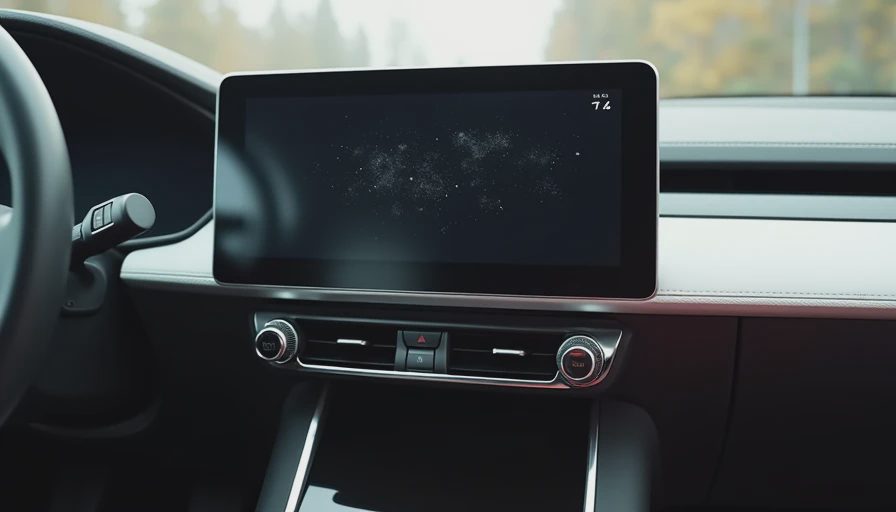
There’s a special kind of quiet rage that builds when you’re trying to adjust the temperature while keeping your eyes on a rainy highway, and the car forces you to hunt through three touchscreen menus instead of just twisting a knob. I’ve felt it. You’ve probably felt it too.
A car tells the truth in miles, not marketing. And one of the loudest truths in modern ownership is how badly some button and screen layouts age once the honeymoon phase ends.
I’m Daniel Reeves, 44, still spending long hours in the driver’s seat across Ohio, Indiana, and Kentucky. I’ve lived with cars that had simple, physical controls and others that tried to be futuristic with giant touchscreens and minimal buttons. After enough miles, I’ve developed strong opinions about what actually works when you’re tired, distracted, or just trying to get through another ordinary day.
The Promise vs. The Daily Reality
When the car is new, all those sleek screens and minimalist controls feel premium. You swipe, tap, and feel sophisticated. Six months later, that same interface is making you late for a meeting because you can’t quickly change the fan speed without looking down.
My current Outback strikes a decent balance with a mix of physical knobs and a reasonably sized screen. But I’ve owned cars that went full touchscreen, and the frustration was real. Want to turn up the heat on a freezing morning? Good luck finding the right icon while your fingers are cold and the screen is sluggish.
You learn a vehicle one ordinary day at a time. With controls, you learn it through repeated small annoyances that slowly grind on your nerves.
Why Physical Knobs Still Win
There’s a reason experienced drivers miss old-school knobs and buttons:
You can find them by feel without looking
They give immediate tactile feedback
They work with gloves on
They don’t change with software updates
They don’t reflect sunlight or get covered in fingerprints
I once drove a car where the volume control was on the touchscreen only. Every single time I wanted to adjust music or a podcast, I had to glance down. After a few weeks, it went from minor inconvenience to genuine safety concern. A simple volume knob would have solved it instantly.
The best setups I’ve experienced combine both worlds: big, intuitive physical controls for climate, volume, and driving modes, with screens handling navigation and less time-critical functions.
The Touchscreen Fatigue
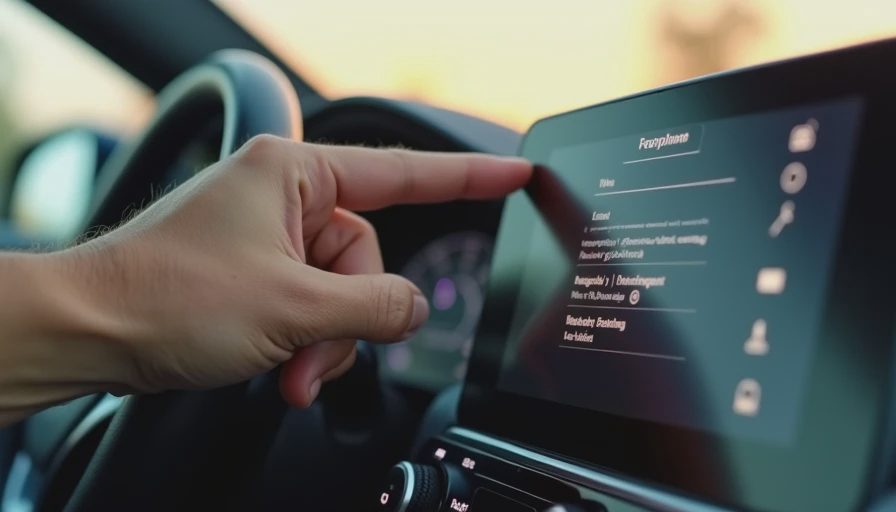
Modern giant touchscreens bring their own set of daily frustrations:
Menus that bury simple functions three or four taps deep
Sluggish response in cold weather
Glare making them hard to read in bright sunlight
Fingerprints and smudges that never fully clean
Software updates that rearrange things you finally memorized
One particularly frustrating vehicle I had would dim the screen automatically at night, making it almost impossible to see certain controls. Another had haptic feedback buttons that required precise pressure — impossible when you’re wearing winter gloves or driving over rough roads.
These aren’t deal-breakers on a sunny Sunday drive. They become exhausting when they happen every single day.
The Sweet Spot: Thoughtful Design
The cars that handle this best understand that driving is the primary task. Secondary controls should support that, not compete with it.
My favorite setups have:
Dedicated climate knobs that are always accessible
Steering wheel controls that actually make sense
Physical buttons for frequently used functions (hazard lights, defrost, etc.)
Screens that are responsive and logically organized
Backup physical options when the screen fails or lags
When a manufacturer gets this right, the cabin feels calm and confident. When they get it wrong, you arrive at your destination already irritated.
How It Affects Long-Term Ownership
Over time, these frustrations shape how you feel about the entire vehicle. A mechanically solid car can still feel tiring if the interior controls fight you daily. Conversely, a slightly less refined mechanical package can feel pleasant if the driver interface is intuitive and satisfying.
I’ve kept cars longer because their controls remained easy to live with. I’ve also become eager to move on from cars whose interfaces wore out my patience faster than their mechanical parts wore out.
Living With the Compromises
Since most of us can’t custom-order perfect control layouts, we adapt:
Using voice commands more (when they work reliably)
Memorizing the most common menu paths
Adding aftermarket knobs or shortcuts when possible
Choosing cars in the future with better ergonomics in mind
The key is awareness. Test drive any new car during conditions that match your real life — at night, in bright sun, while wearing gloves, while tired. See how the controls feel after 30 minutes, not just 5.
The Future and the Human Element
As cars add more screens and “smart” features, the best ones will be those that still respect the human need for simple, reliable interaction. Technology should reduce cognitive load while driving, not increase it.
Until then, I’ll continue appreciating the cars that give me a good old-fashioned knob for the fan speed and a physical button for the defrost. In the quiet cabin, those small things make a loud difference in daily peace of mind.
Because at the end of another long commute, what you remember isn’t the fancy graphics on the screen. You remember how the car made you feel — calm and in control, or subtly frustrated and fighting with it the whole way.
A car tells the truth in miles, not marketing. And the daily interaction with its buttons, screens, and knobs tells one of the clearest truths of all.
No comments yet — be the first to share a thought.